Clearer steps and more consistent Desmos methods
- Type
- Solver
- Released
Math formatting no longer hides a supported shortcut, and explanations make the calculator steps easier to follow.
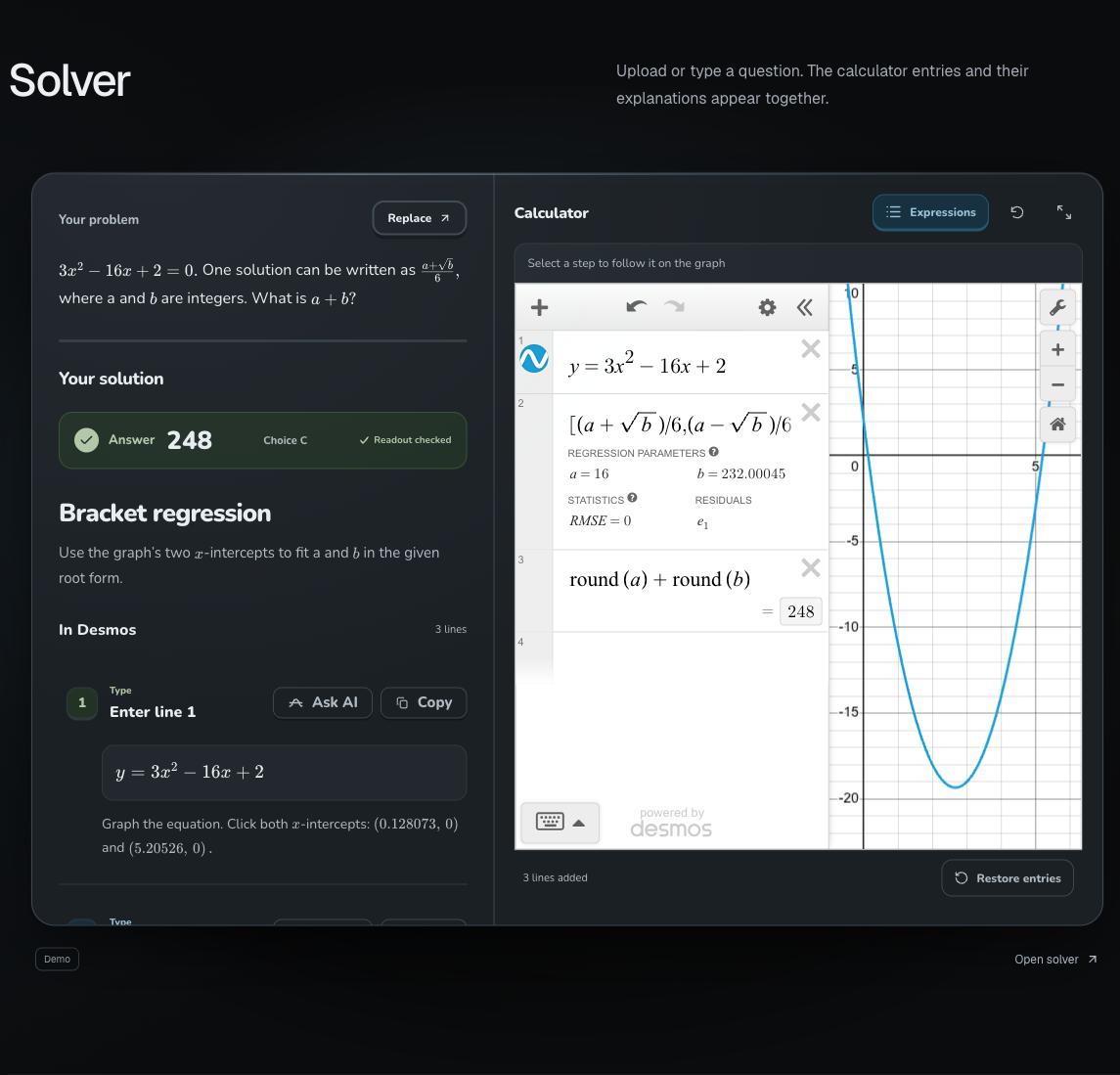 View full size ↗
- Fixed a formatting issue that could favor a longer substitution-and-derivative method over a checked, direct regression. The fix applies to supported constant-expression problems and keeps the mathematical checks in place.
- Fresh solves, calculator retries, and reopened supported results use the same method repairs. Actual calculator failures still block a method from being shown.
- New calculator-line explanations and algebra walkthroughs use simpler language, explaining what each step does and why it is needed. Built-in explanations have also been updated.
- The solver's graph guidance strip is light, and lesson calculators use lighter controls with readable Expressions buttons.
- The homepage's phone layout has clearer lesson sections, compact navigation, and fewer nested frames.